What Is an AI Chatbot and Does Your Business Need One?
By Artful Web Designz · Sep 7, 2026

An AI chatbot is software that reads a customer's message, figures out what they want, and replies in natural language without a human typing the response. Your business needs one if you repeatedly answer the same five or six questions, lose leads outside office hours, or spend staff hours on queries that have a fixed, predictable answer.
That last part matters more than the \"AI\" label does. A chatbot is only useful if your support or sales conversations have a pattern to them. If every customer question is wildly different and needs judgment, a chatbot will frustrate people faster than it helps them. If your inbox is full of \"what are your prices,\" \"are you open Sunday,\" and \"where is my order,\" a chatbot earns its cost in the first month.
How AI chatbots actually work
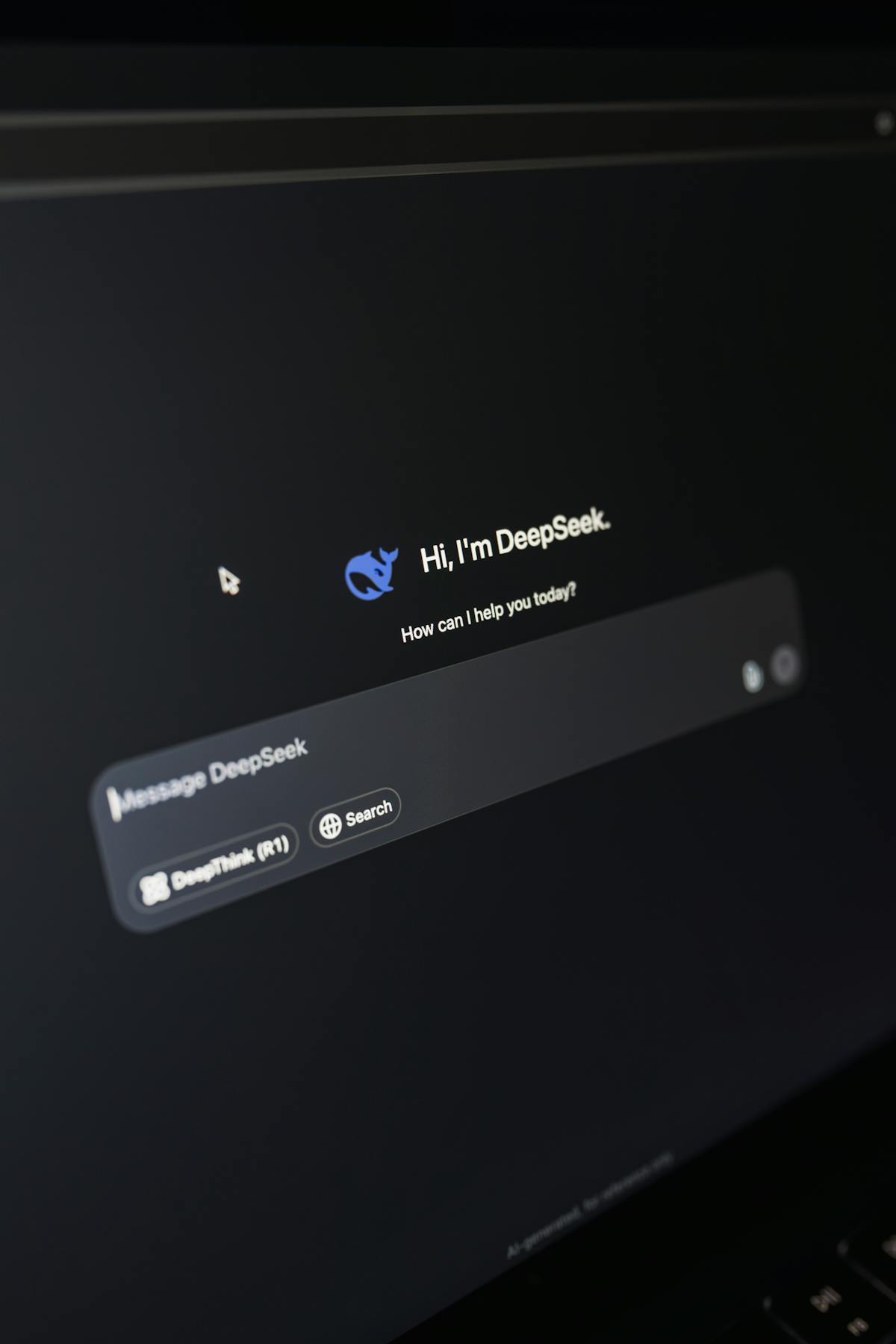
Older chatbots ran on decision trees: click a button, get a canned reply, click another button. Most of what gets sold as an AI chatbot today is built on a large language model, the same family of technology behind ChatGPT. You give it your business information, your product catalog, your FAQs, your tone of voice, and it generates answers on the fly instead of picking from a fixed script.
This is the difference that actually matters to a business owner. A script-based bot breaks the moment someone phrases a question differently than expected. An LLM-based chatbot can handle \"do you ship to Jammu\" and \"will this reach J&K\" as the same question, because it understands meaning, not just keywords.
What a chatbot can realistically do for you
- Answer repetitive questions about pricing, hours, location, delivery, and returns, at 11pm on a Sunday
- Collect a customer's name, number, and requirement before a human ever gets involved
- Qualify leads by asking a few screening questions, so your sales team only talks to people worth talking to
- Hand off to a human the moment it hits something it cannot confidently answer
- Work across your website, WhatsApp, and Instagram from one connected brain
What it cannot do, and where owners get it wrong
A chatbot cannot resolve a genuinely angry customer who needs to feel heard by a person. It cannot make a judgment call on a refund that falls outside your written policy. And it should never be left to guess at an answer it is not sure about, because a confident wrong answer about pricing or warranty terms can cost you more than a slow reply would have.
The owners who get burned are usually the ones who buy a chatbot, feed it nothing, and expect it to understand their business by magic. A chatbot is only as good as the information you give it. If your FAQ document is two years out of date, the chatbot will cheerfully repeat those two-year-old prices to every visitor.
Signs your business needs one
You probably need a chatbot if any of the following sound familiar: your team answers the same WhatsApp questions fifteen times a day, you get inquiries at night and lose half of them to a competitor who replied first, your sales team wastes time on leads that were never going to buy, or you simply cannot afford a round-the-clock support staff but customers expect round-the-clock replies.
You probably do not need one yet if your inquiry volume is low, your product is complex enough that every conversation needs a real expert, or you have not written down your FAQs and policies in the first place. Build that foundation first. A chatbot amplifies whatever process you already have, good or bad.
What it costs and how it pays back
A basic chatbot connected to your website and WhatsApp, trained on your actual business information, is a modest monthly cost compared to even a part-time support hire. The payback usually shows up in two places: inquiries that used to go unanswered overnight now get captured, and your team stops repeating itself on the same ten questions and spends that time on actual sales conversations.

Getting started without overcomplicating it
Start with one channel, usually WhatsApp or your website, and one job: answering FAQs or capturing leads. Write out your twenty most common questions and their correct answers before you talk to anyone about building it. Everything else, like connecting it to your CRM or letting it book appointments, can come once the basic version is actually working and your team trusts it.


